

See your spending and assets clearly.
Track expenses, set category budgets, and follow your gold, savings and credit cards in one app.
Free to start No account required
See the journey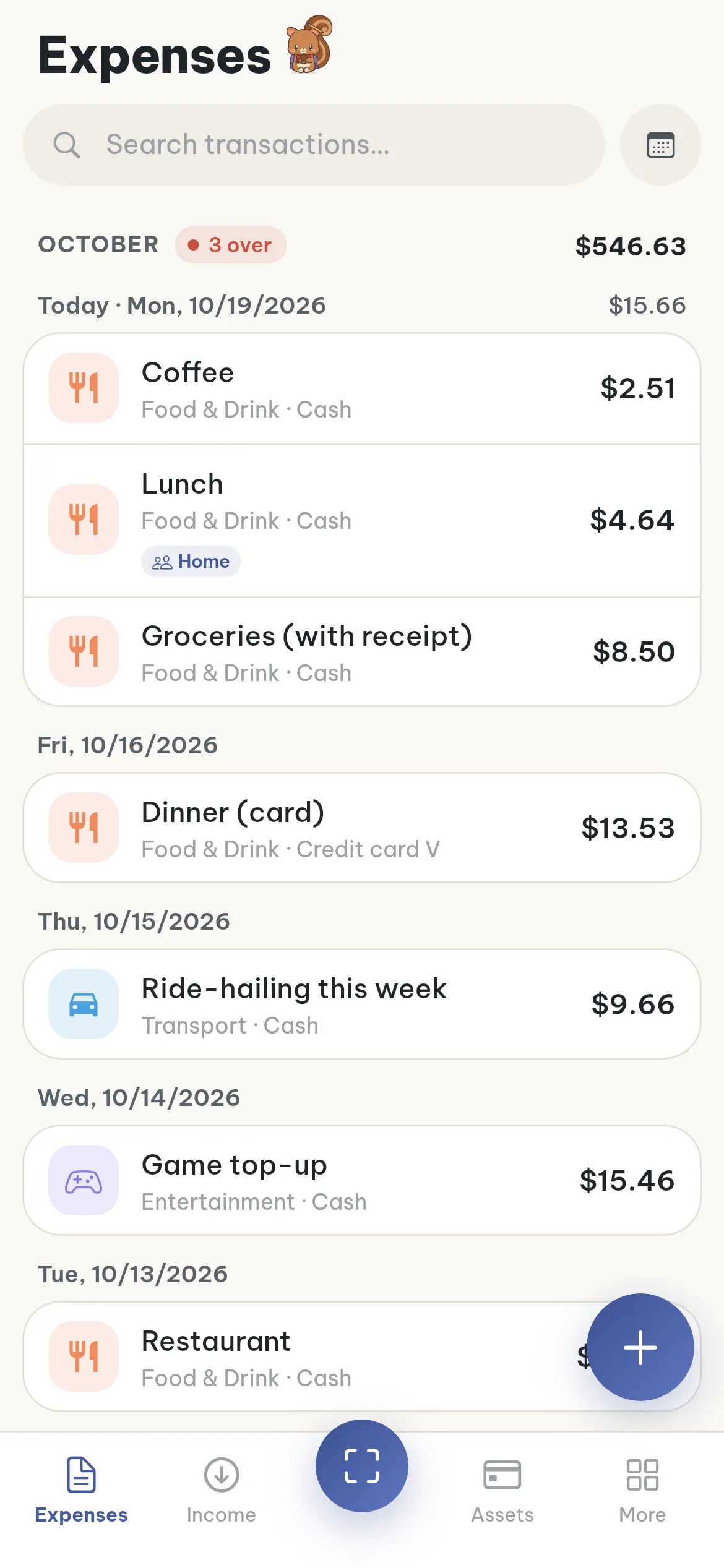
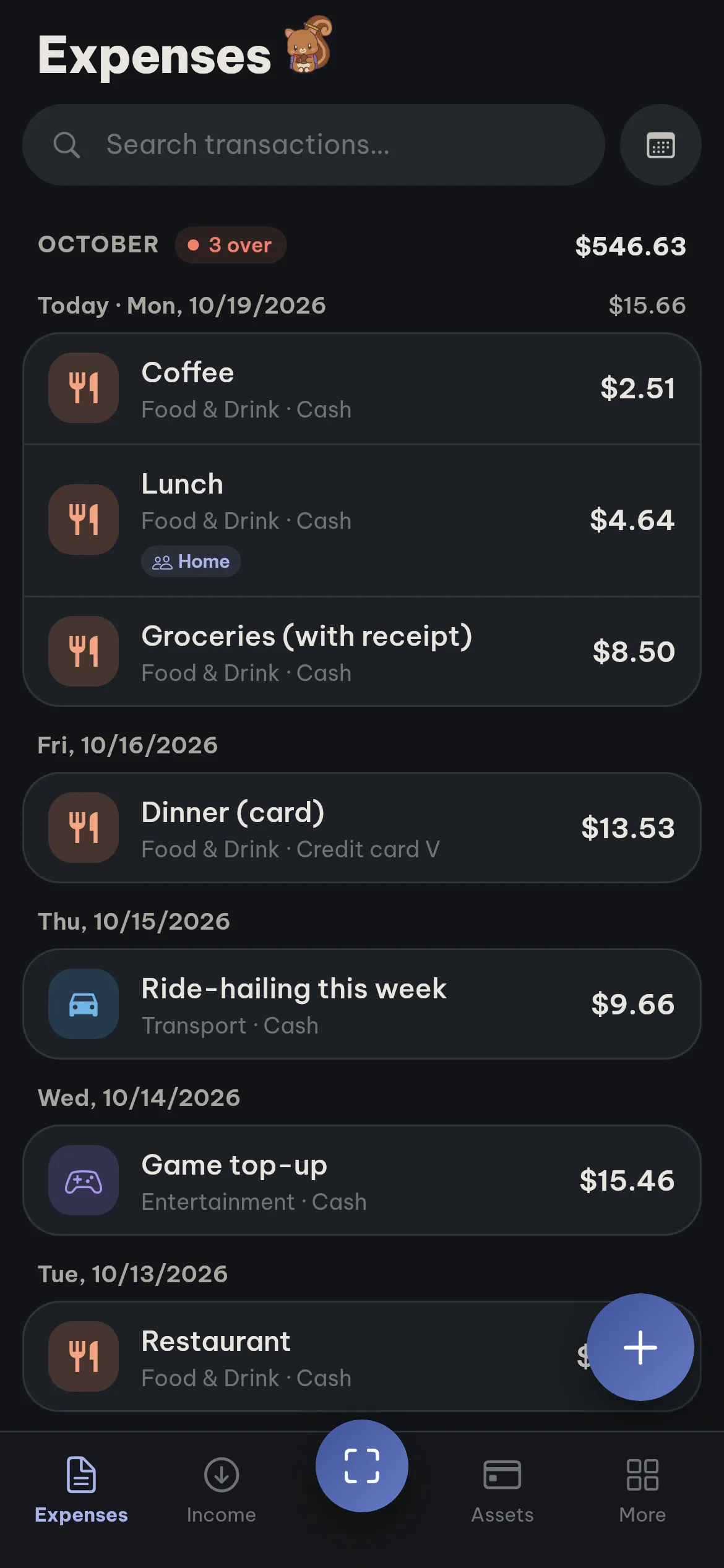
Record and follow your daily spending
Snap a receipt and the app fills in the details, or enter it yourself with the + button. Every entry is grouped by day in one ledger.
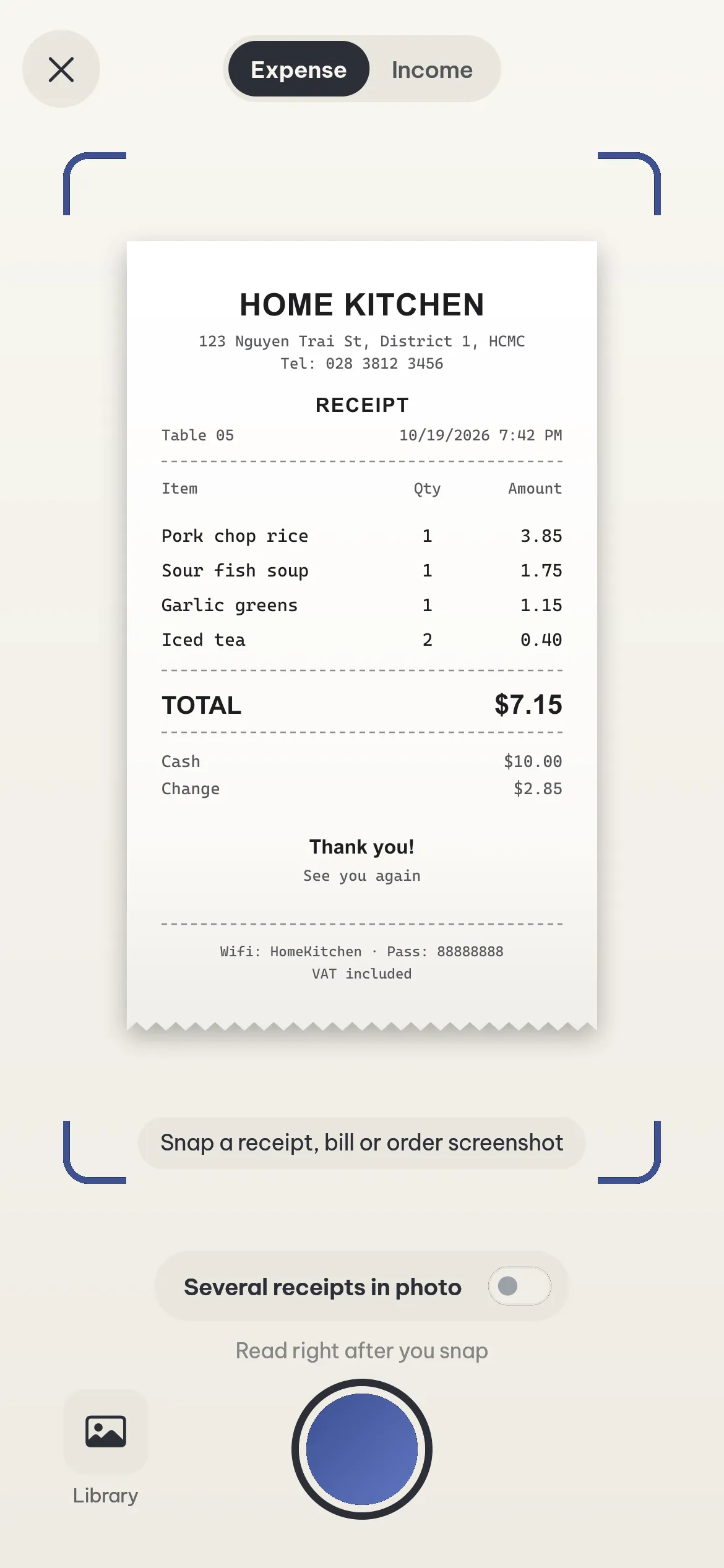
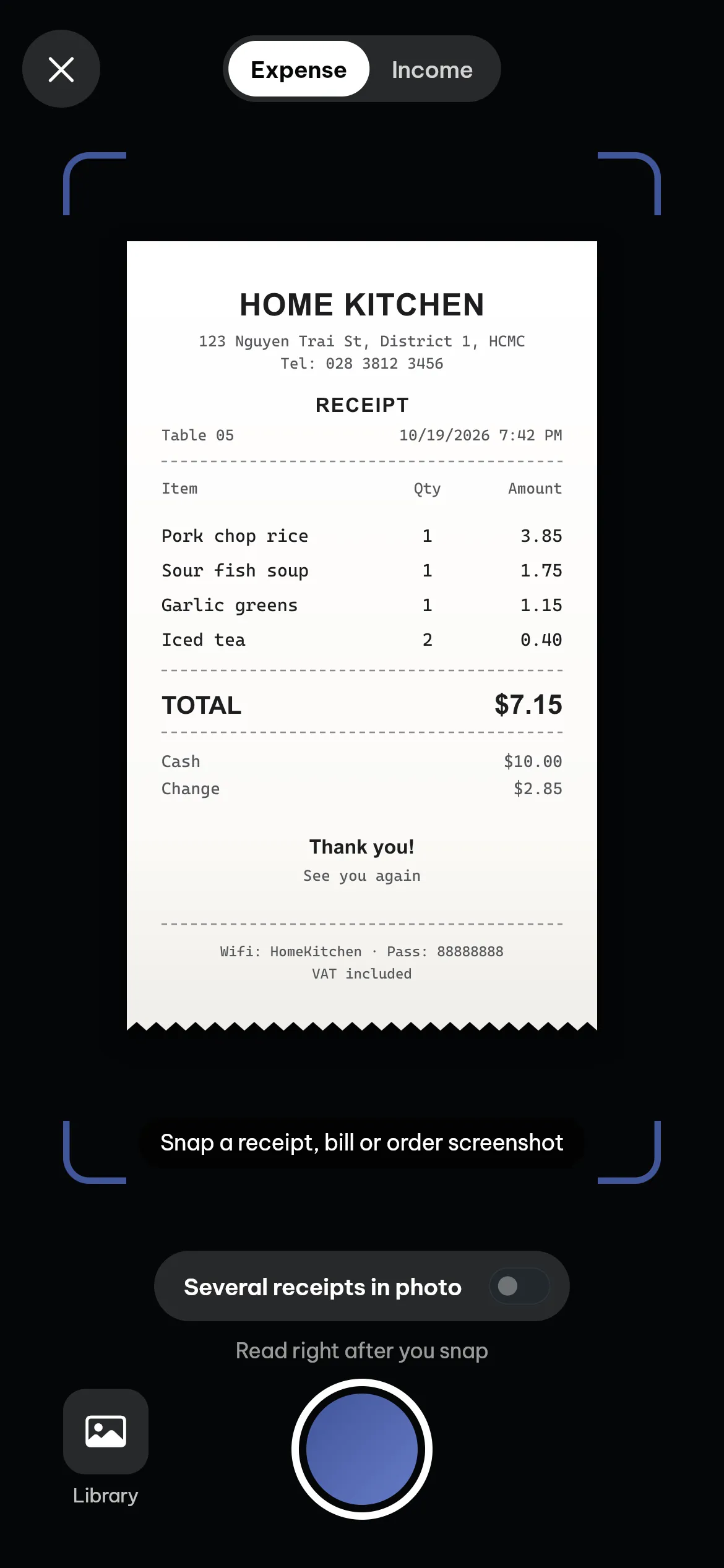
Fill in details from a receipt
Take a photo of a receipt or transfer screenshot. The app fills in the amount, date and category. A photo with several transactions, such as a transfer history, is split into separate entries. You only need to review before saving.
Enter it by hand with +
Type the amount, add a note and tap one of 8 category tiles. The date and money source are preselected, and you can change them when needed.
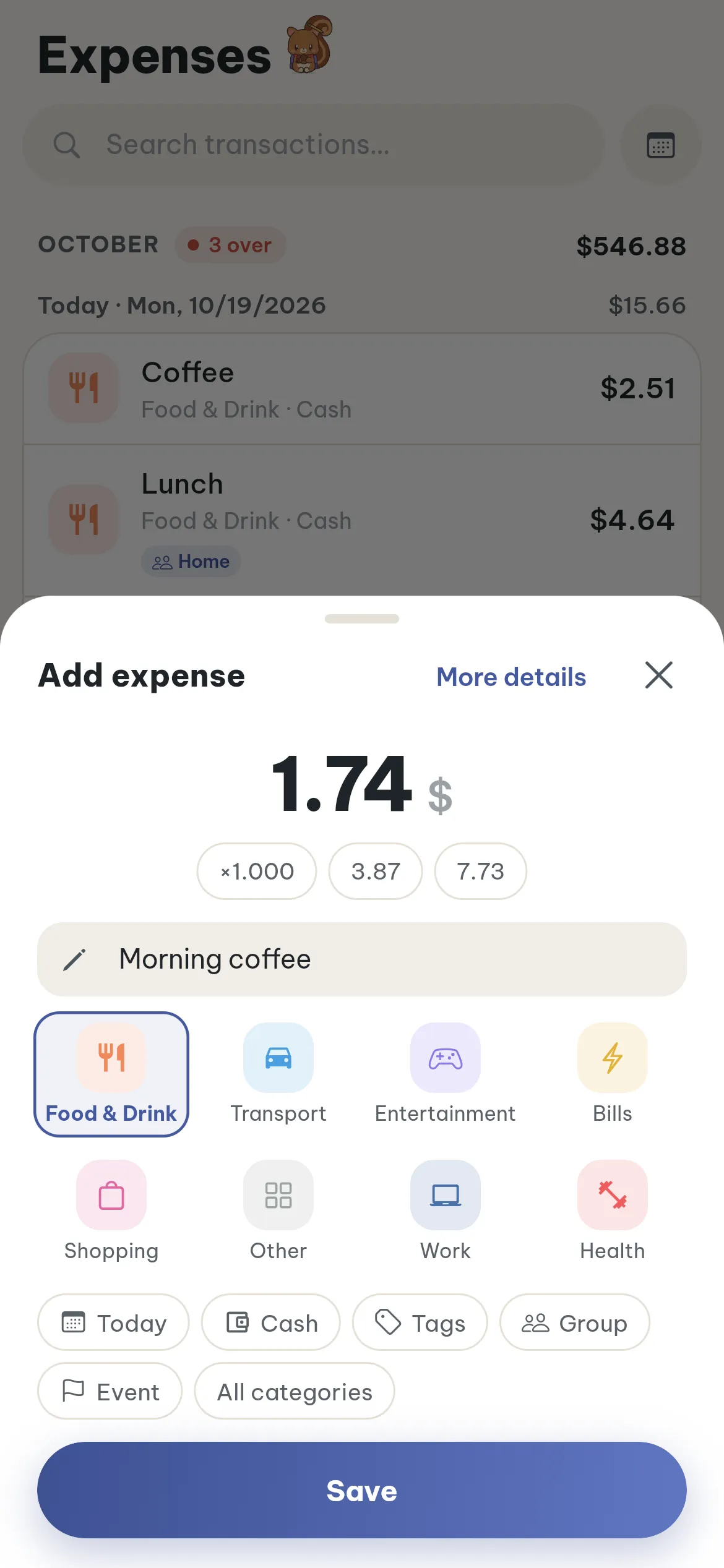
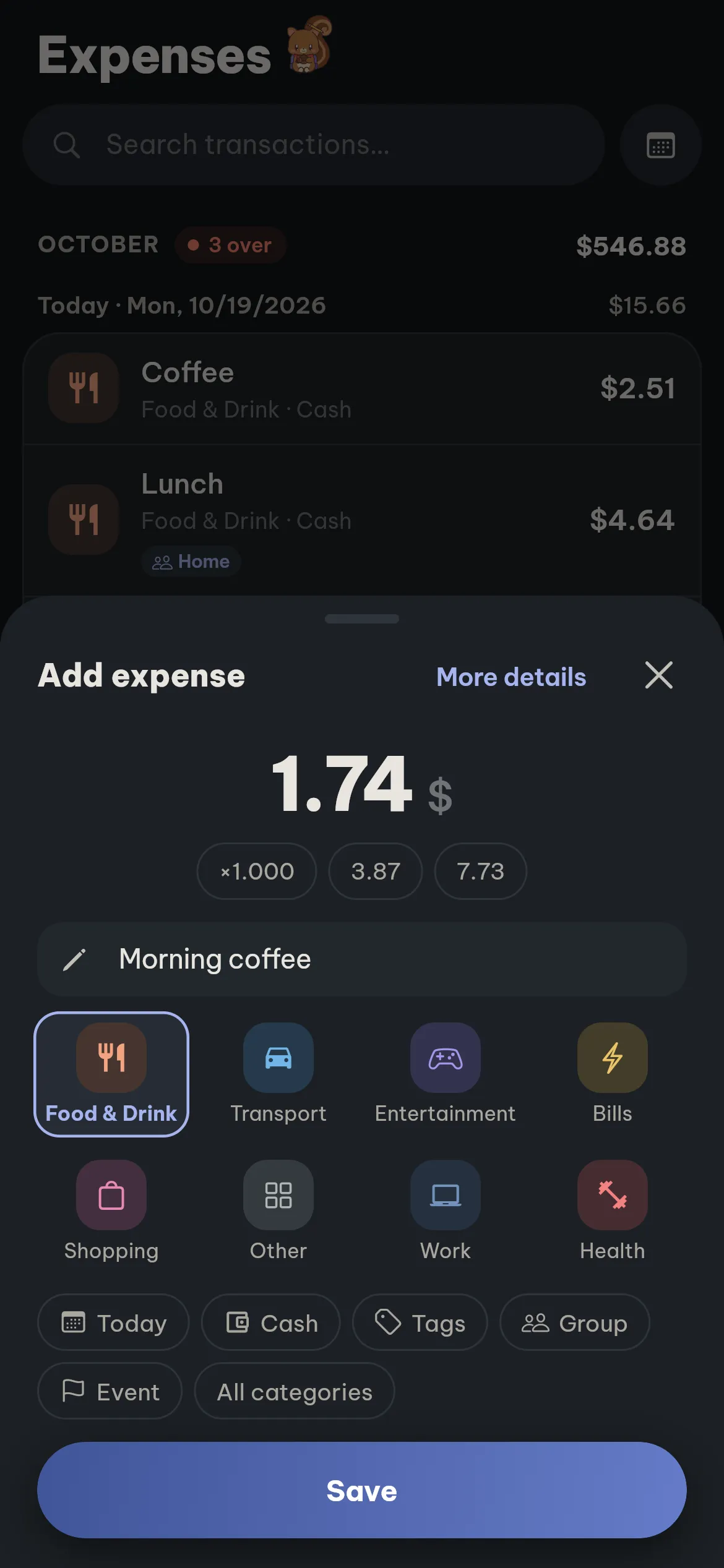
A ledger grouped by day
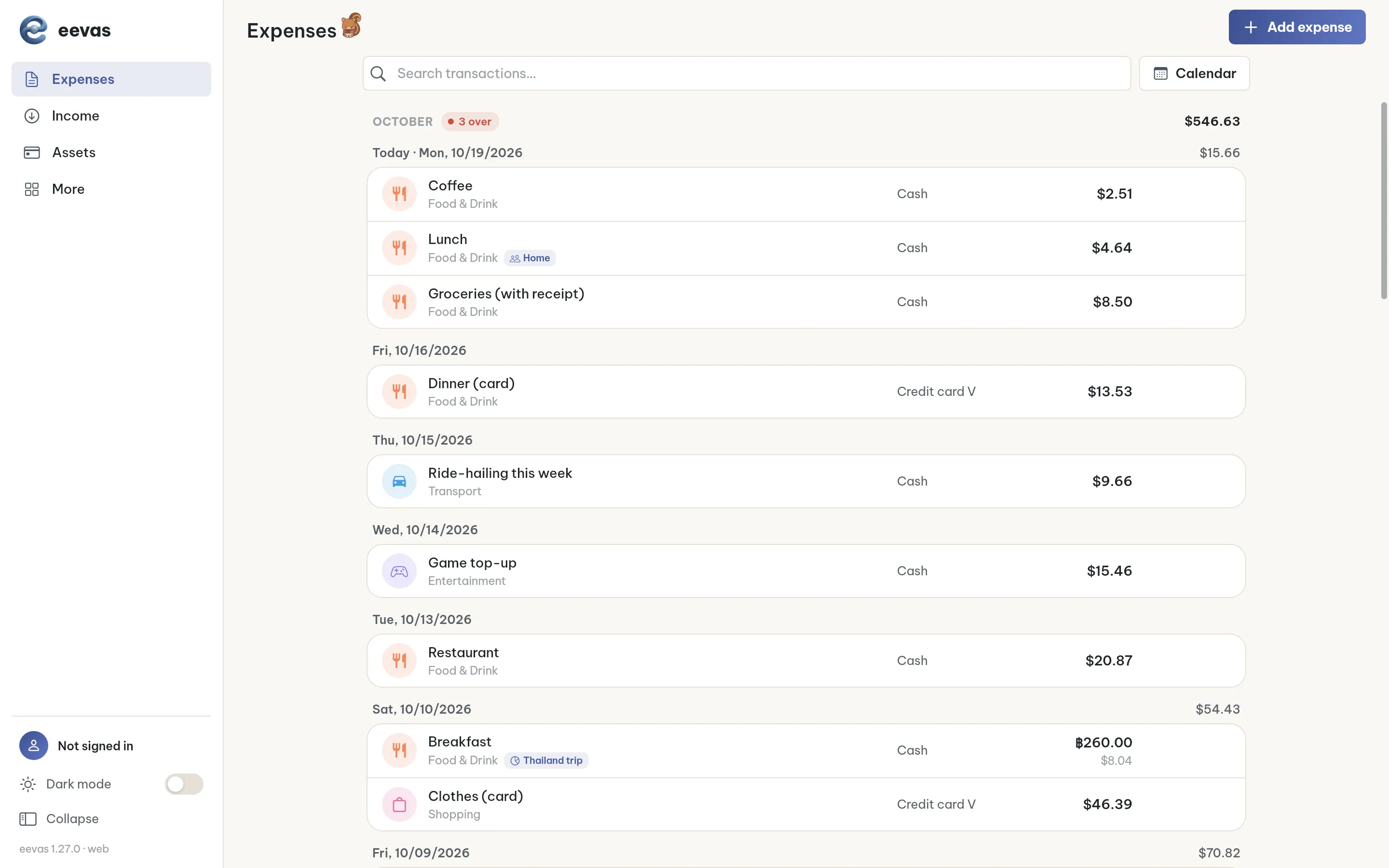
Each entry sits under its day. The month total and the number of categories over budget appear at the top. Search helps you find past transactions.
A small companion for your daily logging
Each day you log at least one entry yourself, your pet earns points and grows through 8 stages, from Seed to Professor. Logging regularly through the week and the month earns bonus points. Missed a few days? Your pet simply rests until you return and never drops a stage.
- Five companions: squirrel, cat, bunny, puppy and owl.
- Accessories unlock as your logged days add up: pencil, spending notebook, pocket calculator, briefcase, graduation cap.
- The Journey screen shows how far you have come and the points left to the next stop.
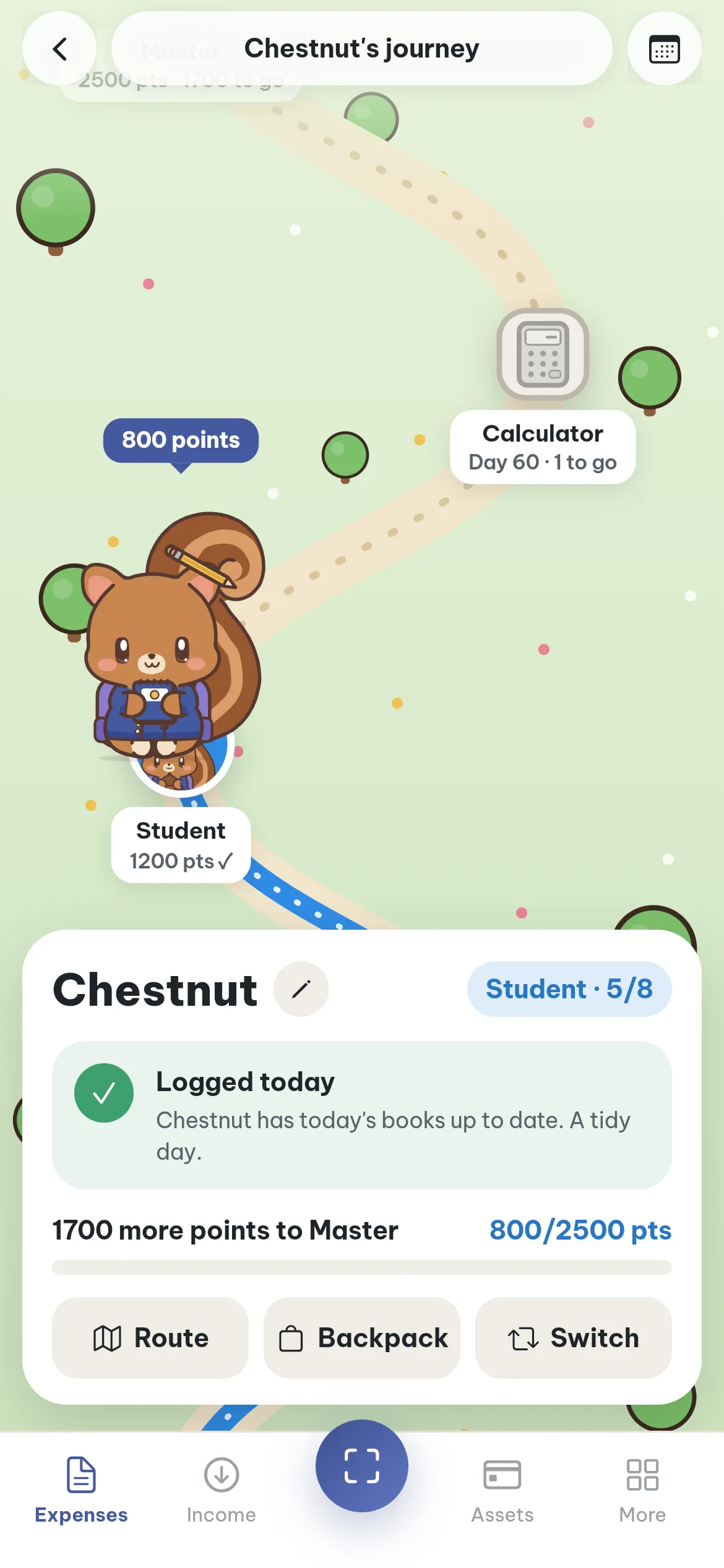
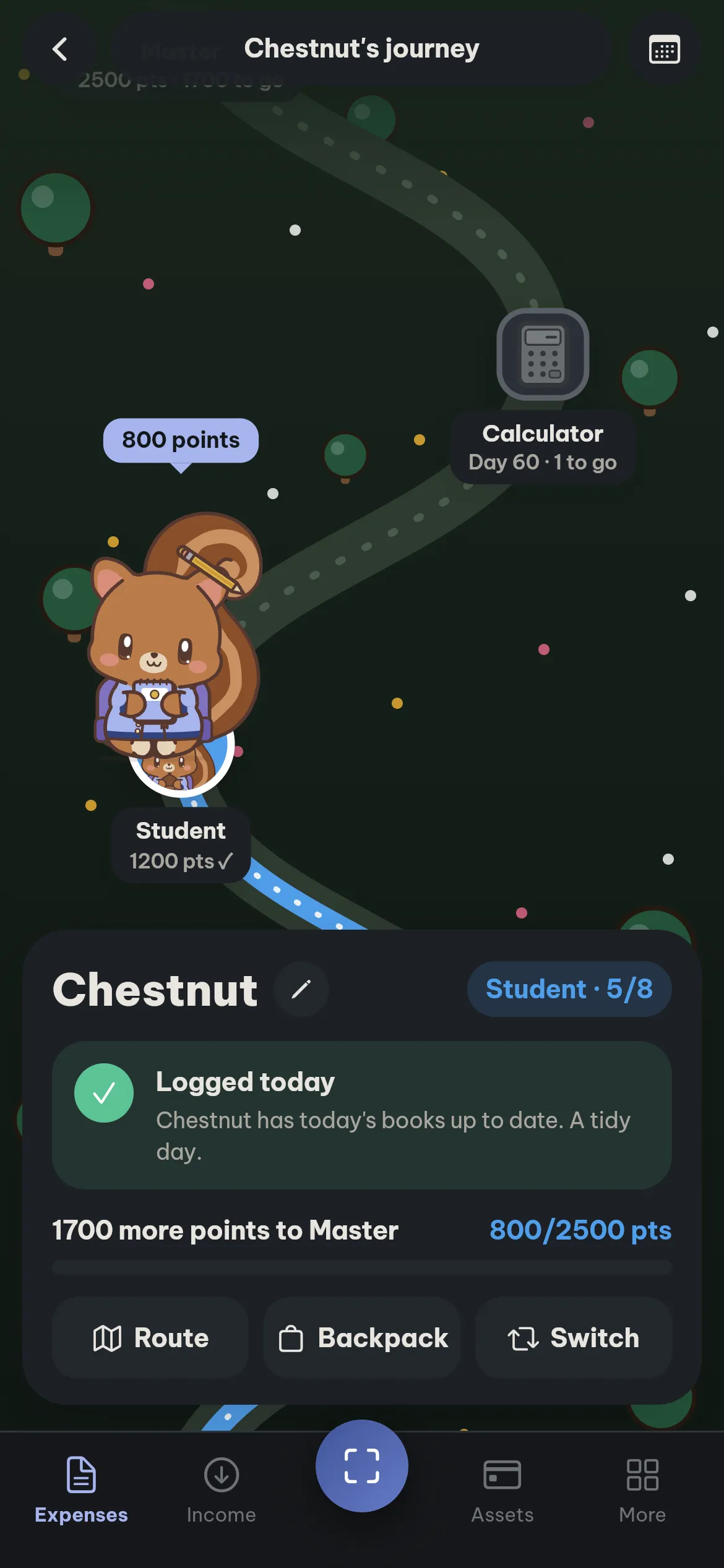
How points work
Points count the days you log, not the amounts.
8 stages, never lost
The points needed are shown under each stage. 5 of 8 stages are illustrated.
 Seed0 points
  Little one10 points
  Pupil400 points
  Student1,200 points
  Expert4,500 points
 Missing a few days is fine
Your pet simply rests until you return. Points and stages you have reached are kept, and it starts growing again as soon as you log.
Five companions
Squirrel, cat, bunny, puppy and owl. The app picks one for you, and you can switch without losing points.
Squirrel Cat
Cat Bunny
Bunny Puppy
Puppy Owl
OwlAccessories by days logged
They unlock as your logged days add up. No unbroken streak needed.
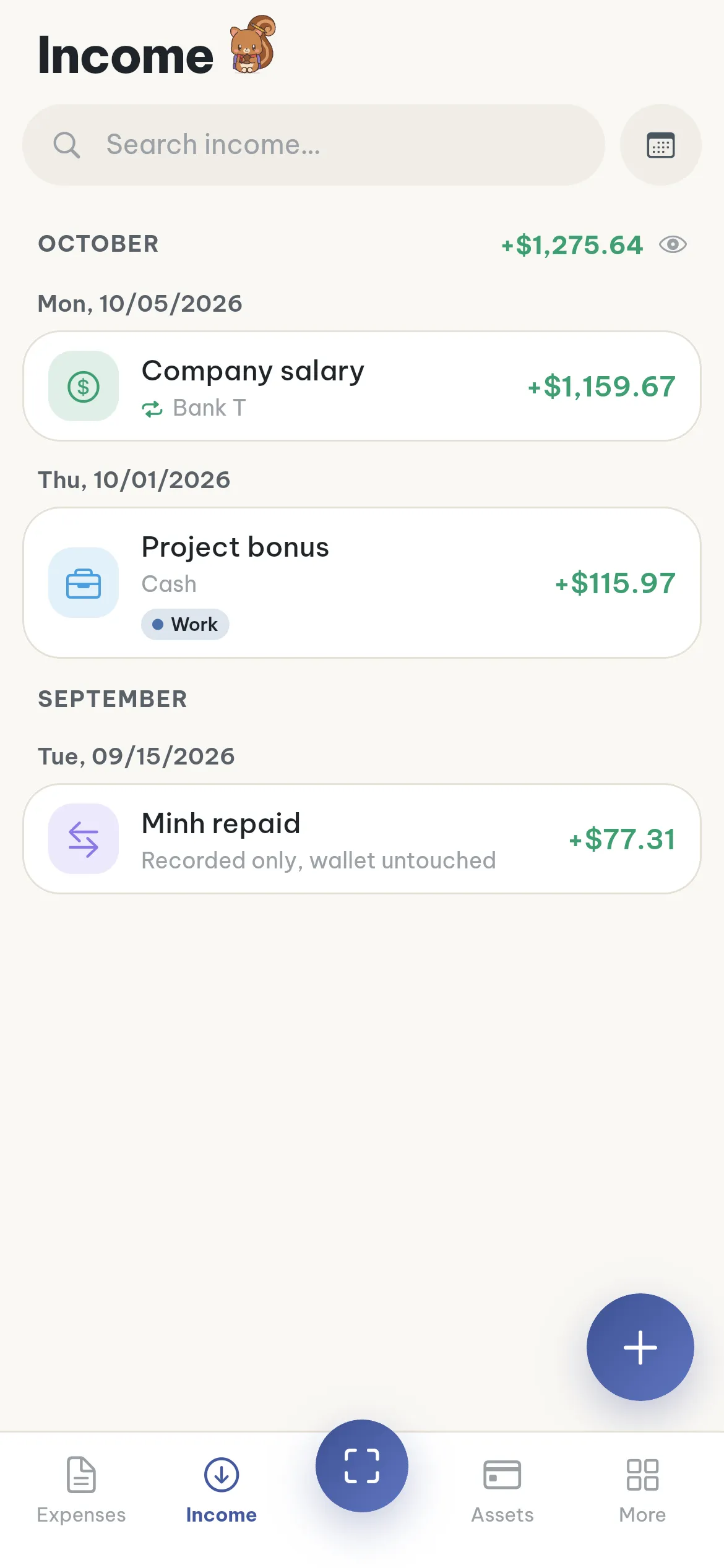
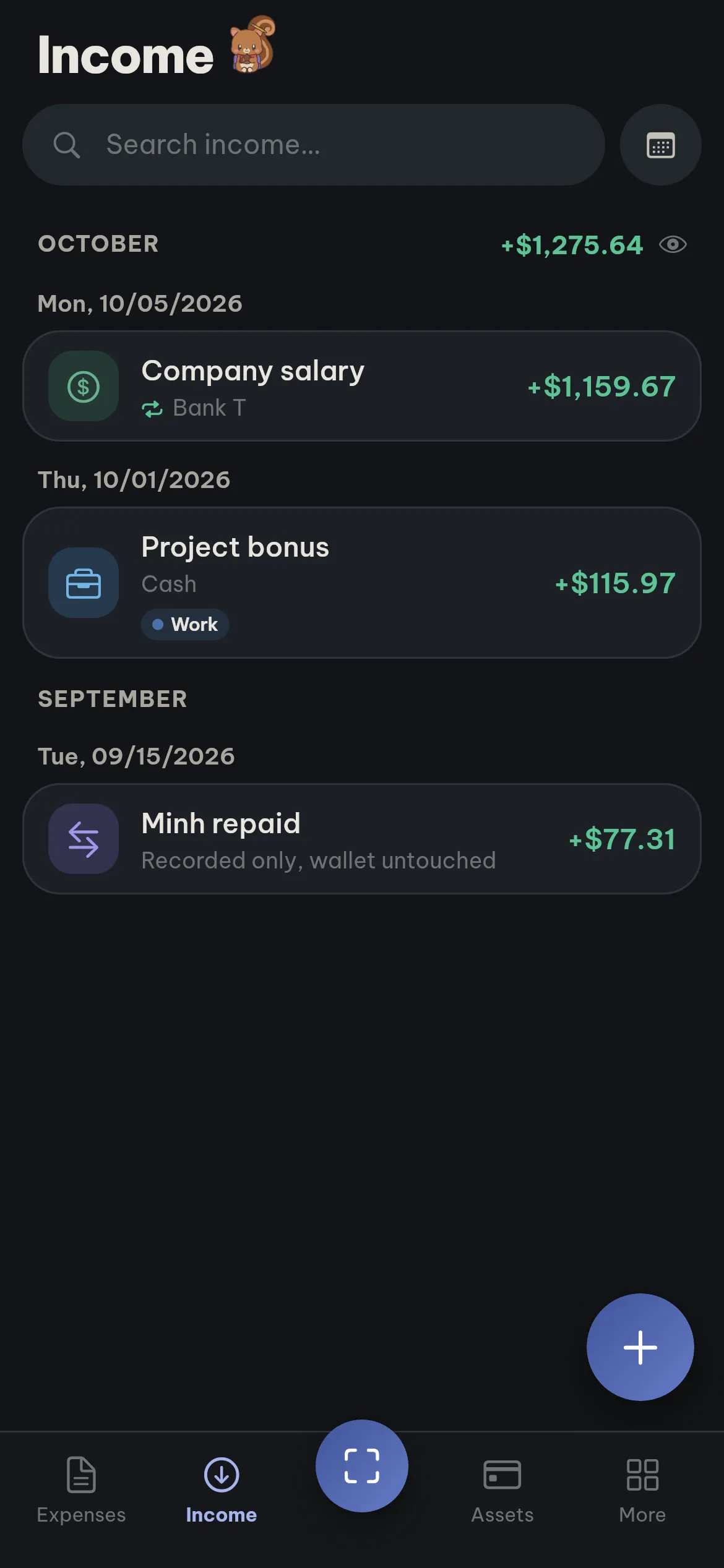
Follow your income by source
Allocation rules
Set once, applied every month
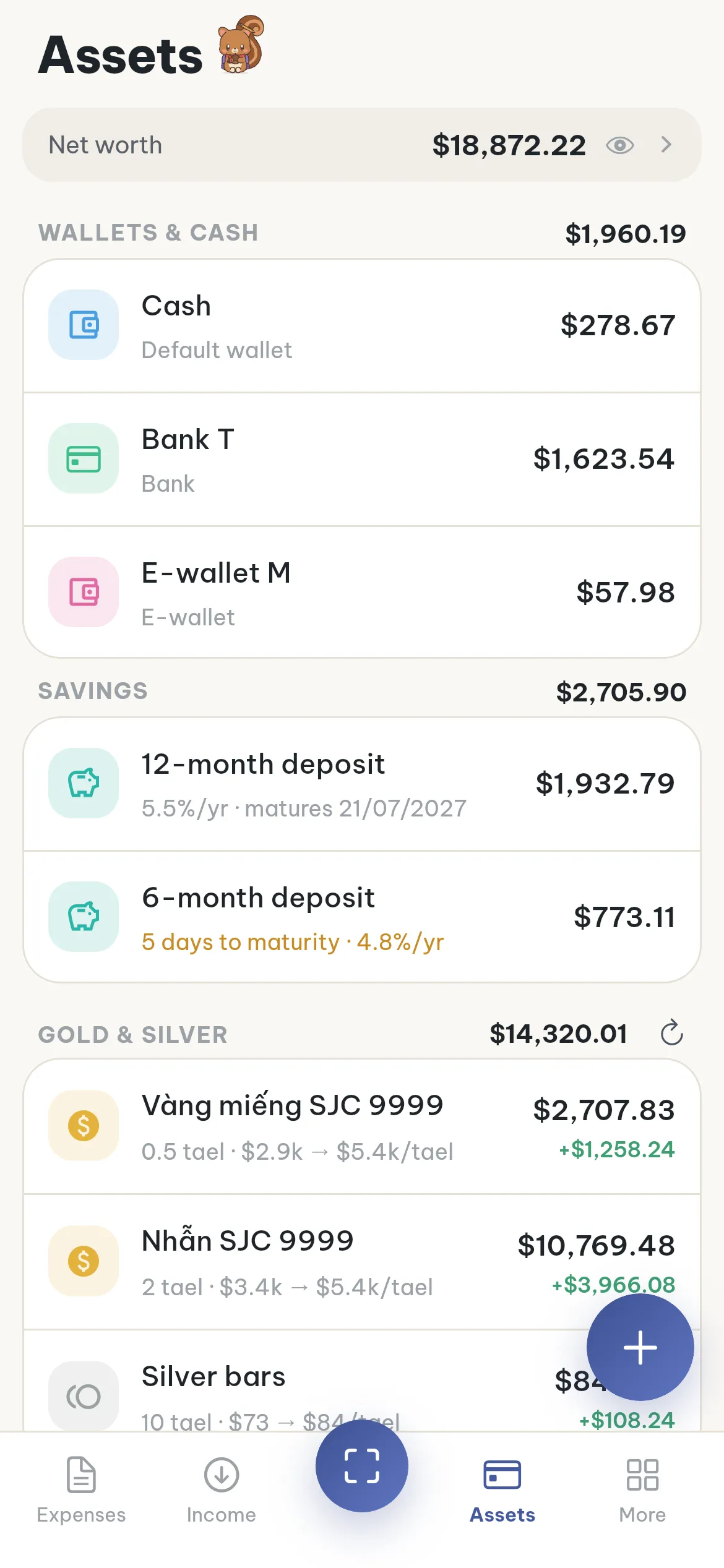
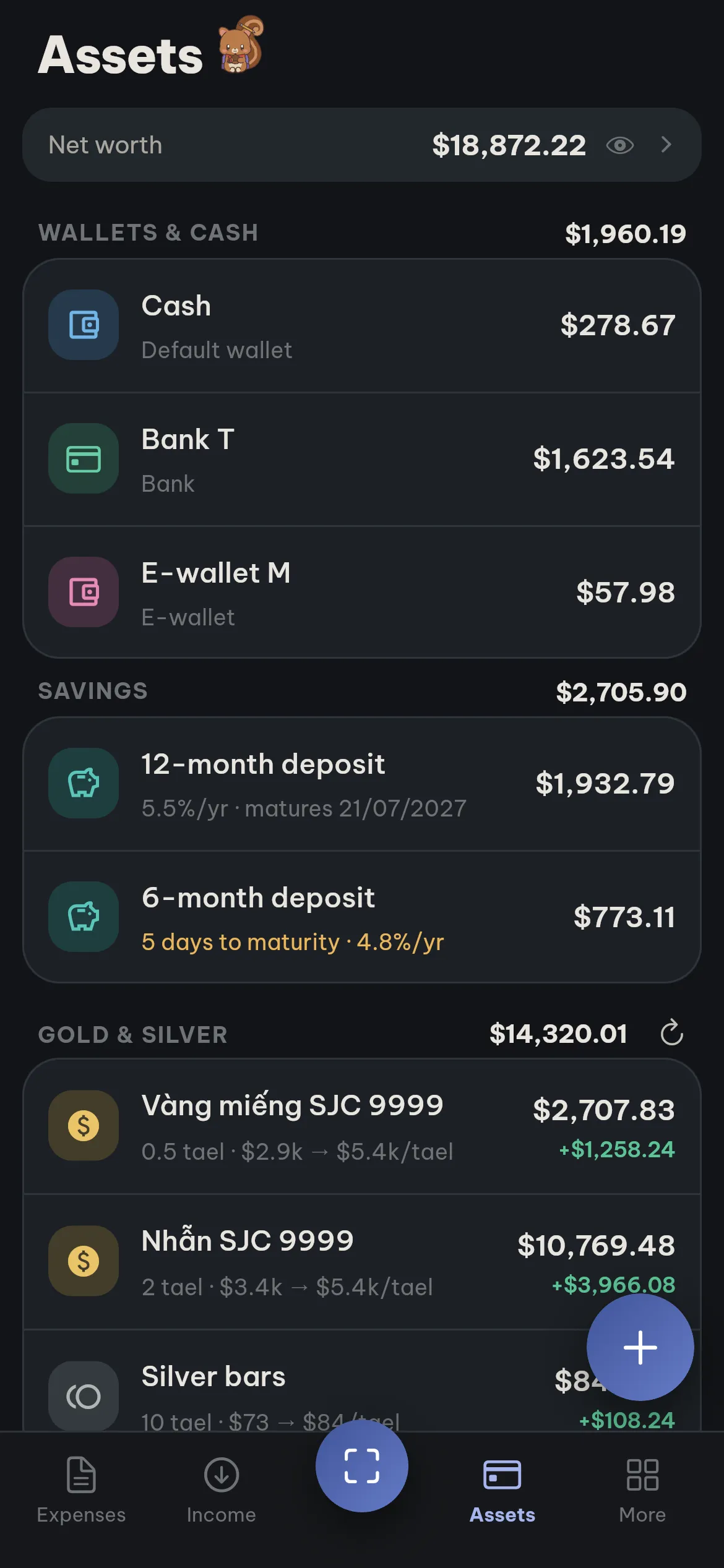
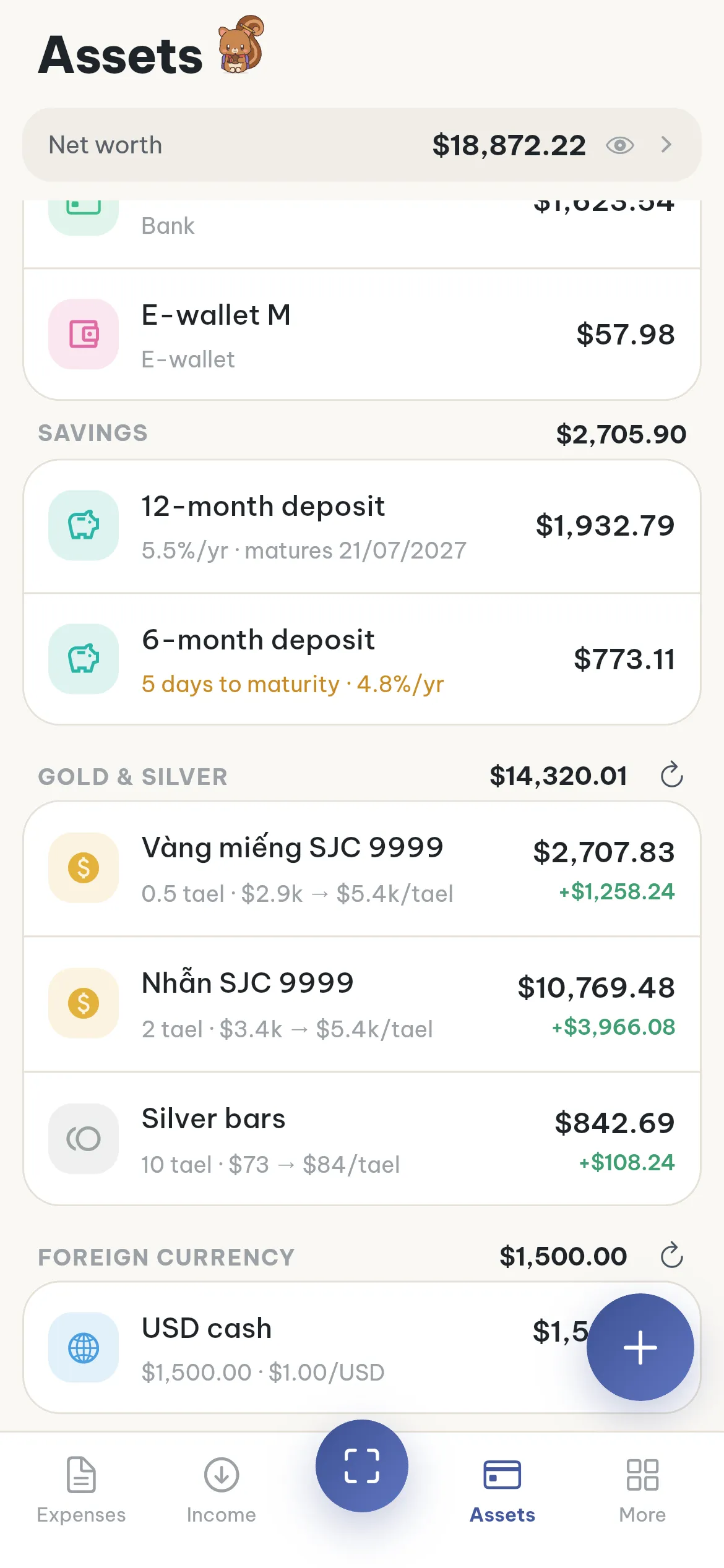
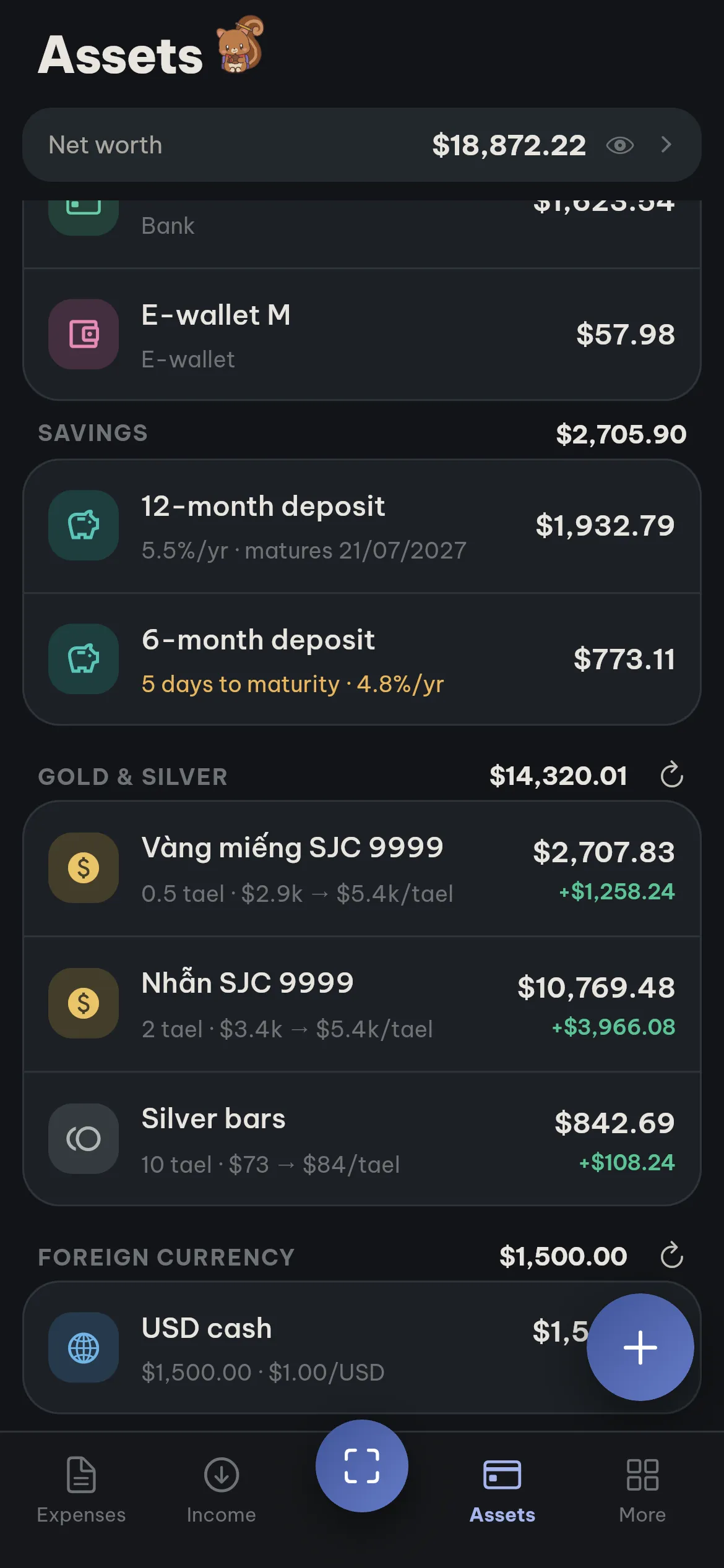
All your money in one place
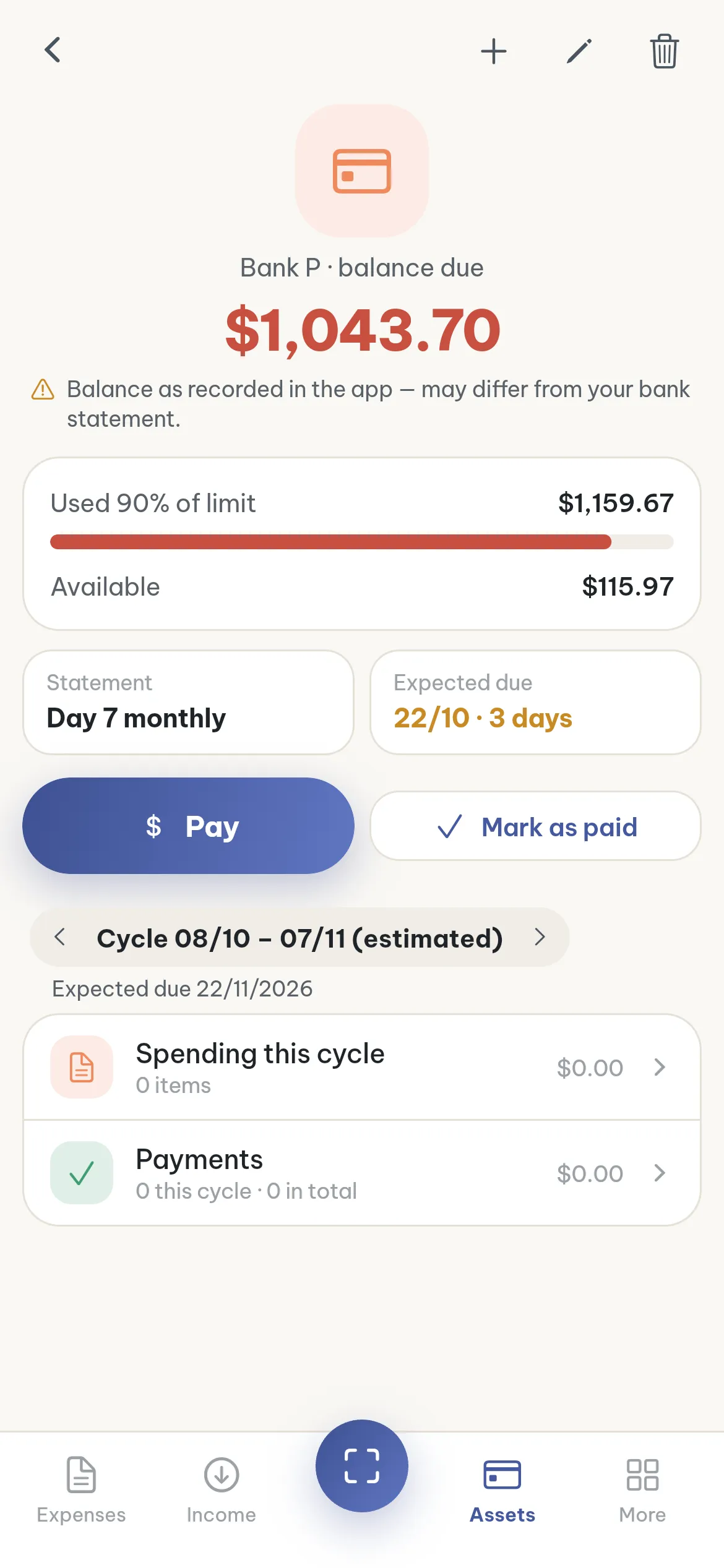
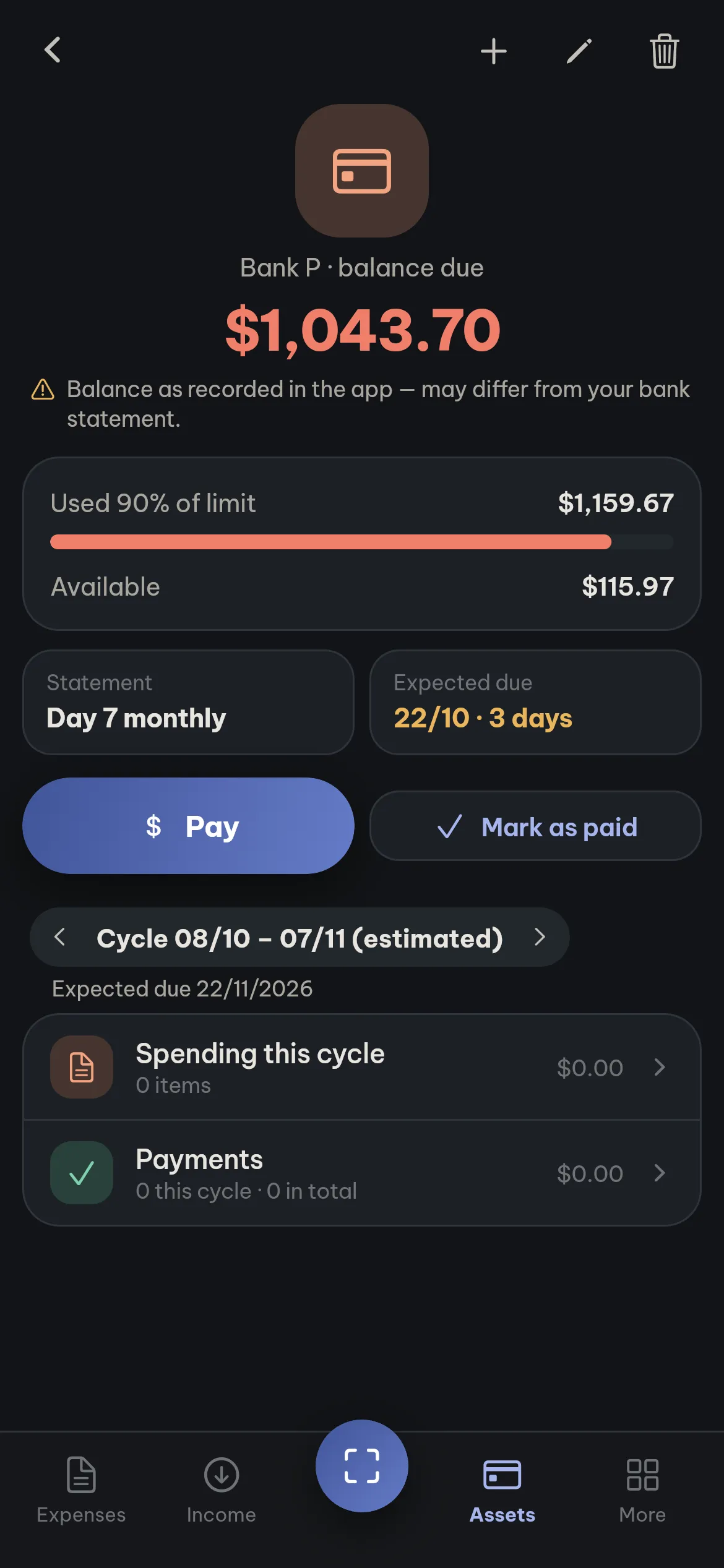
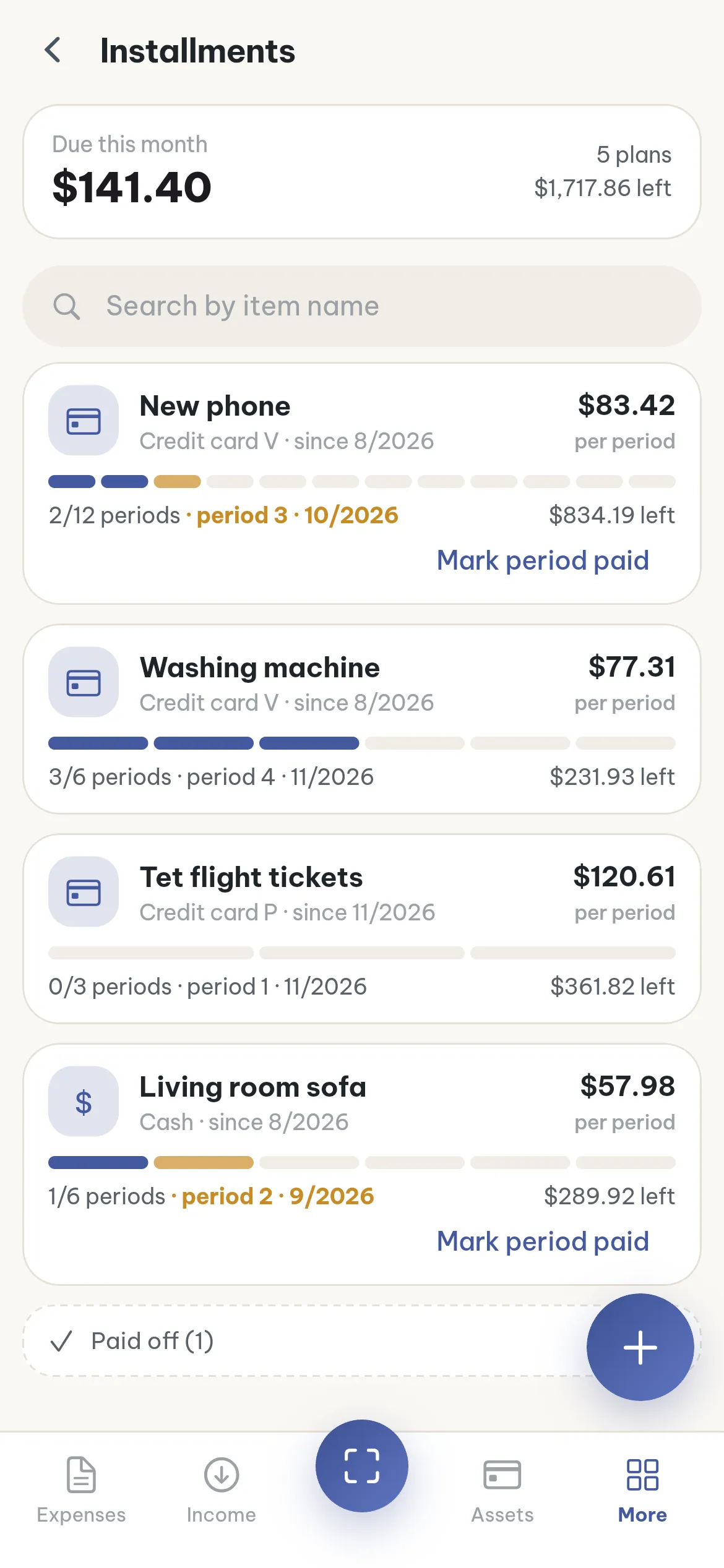
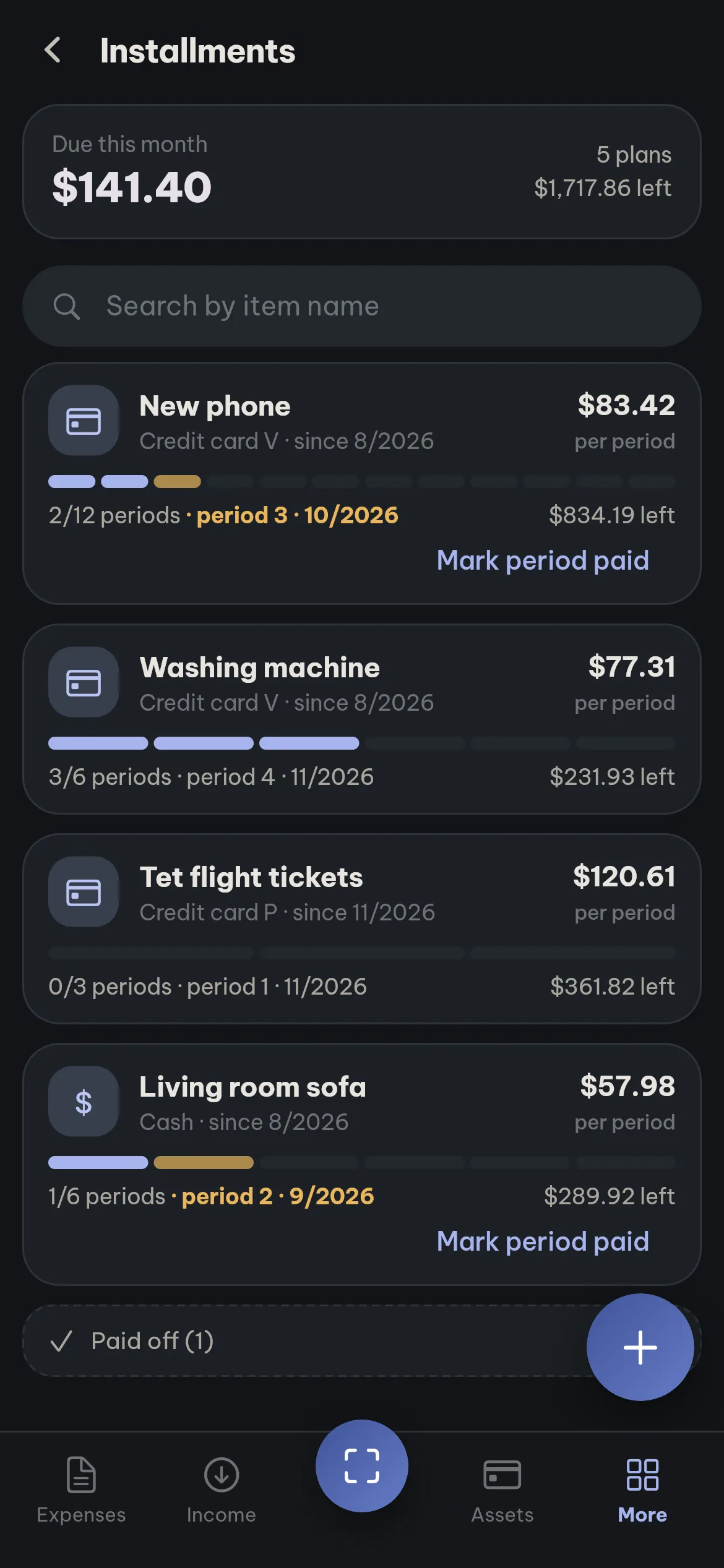
Wallets, cards, savings, gold, instalments and loans add up to your net worth.
Reports and statistics
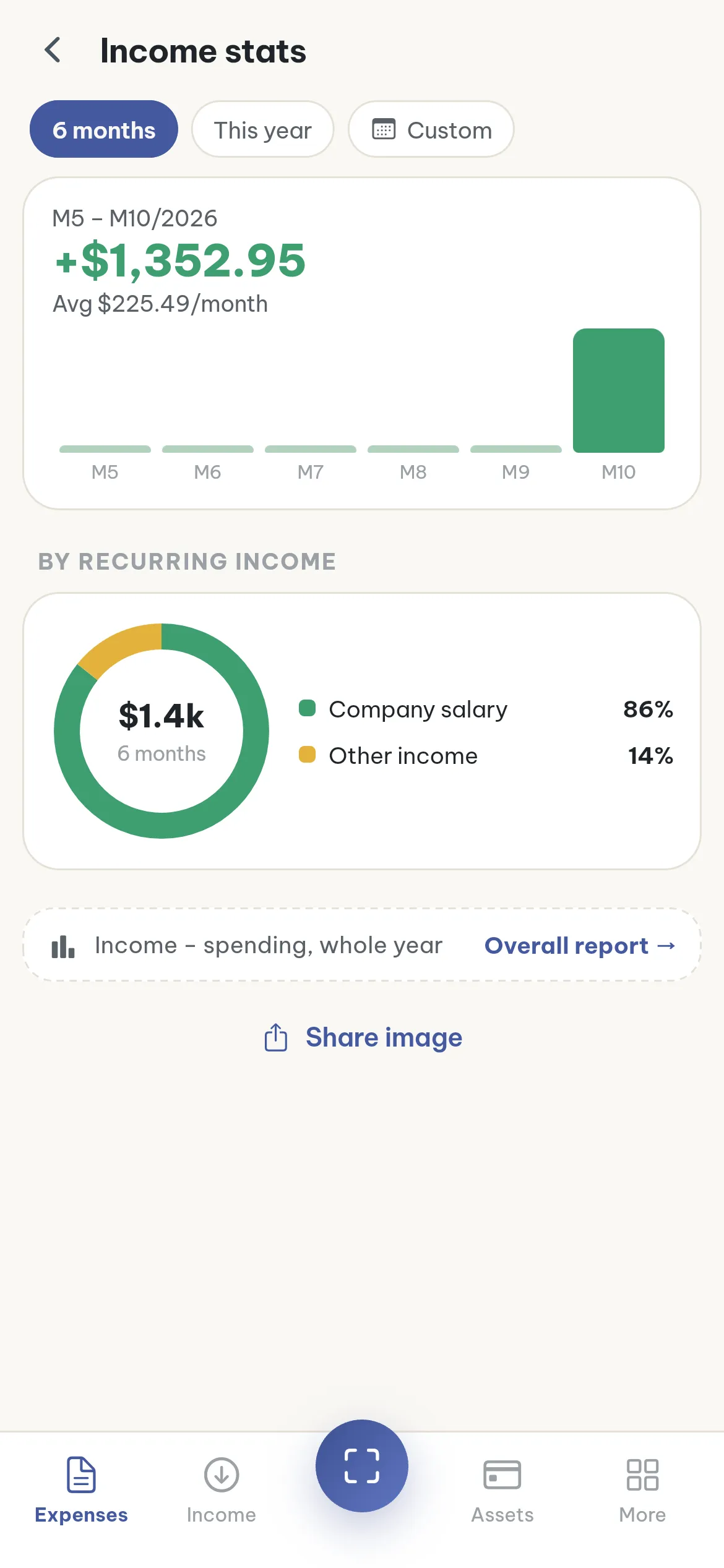
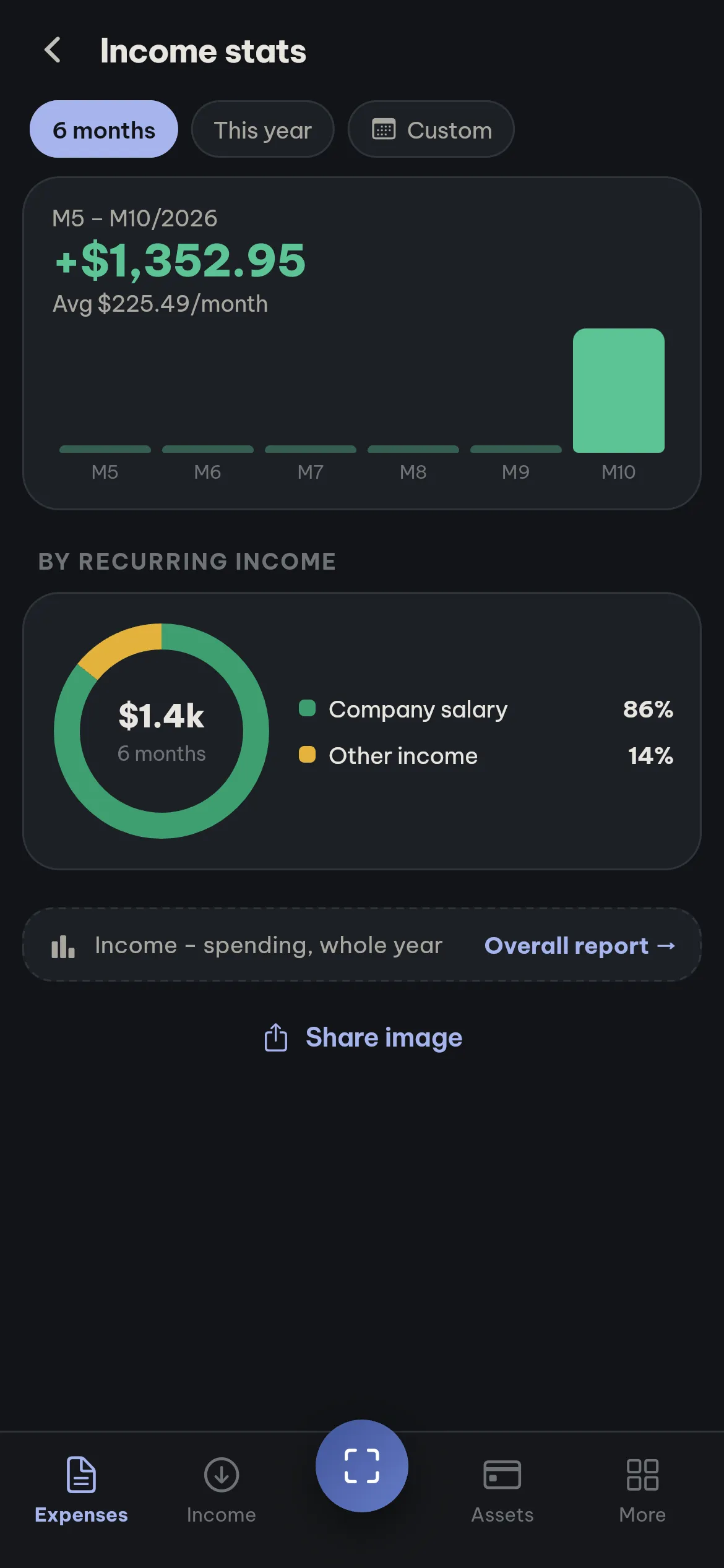
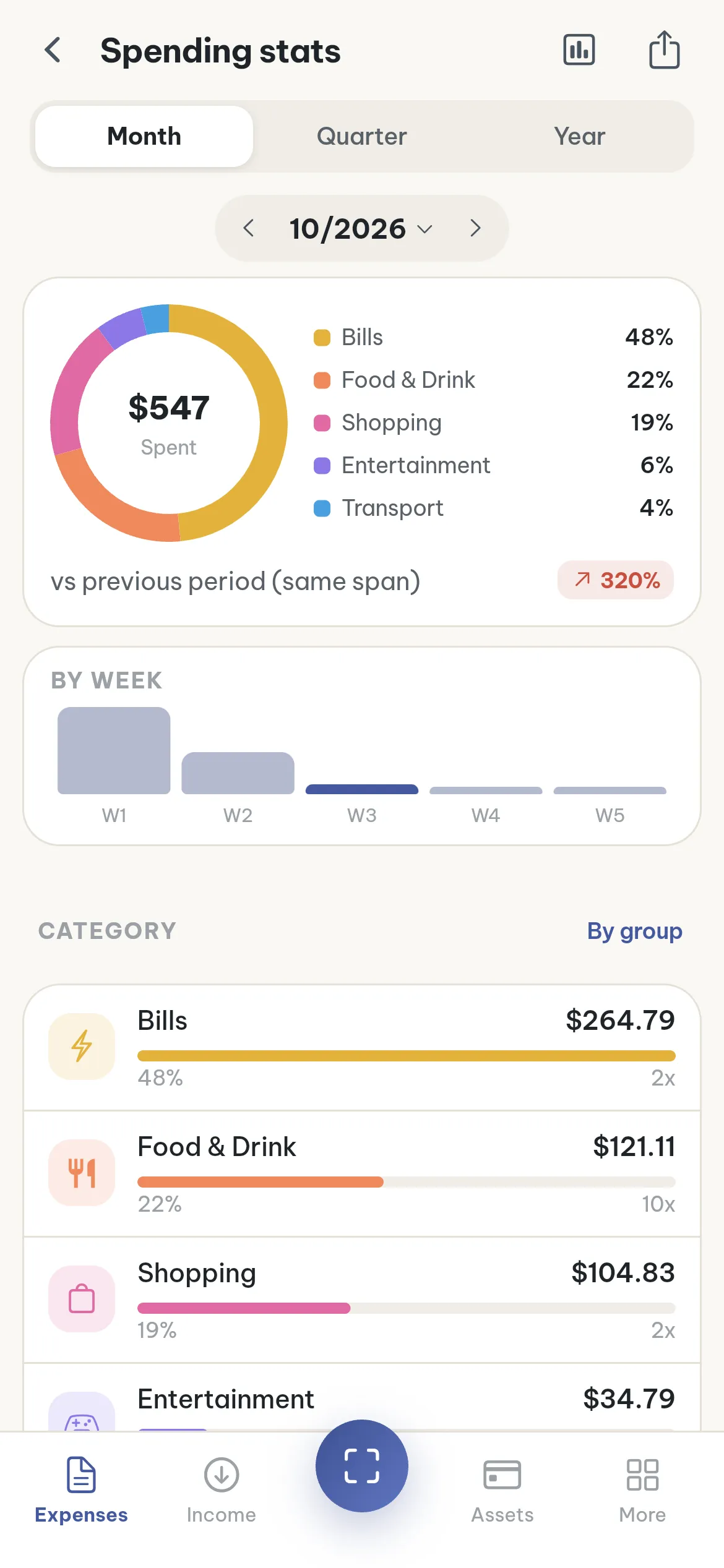
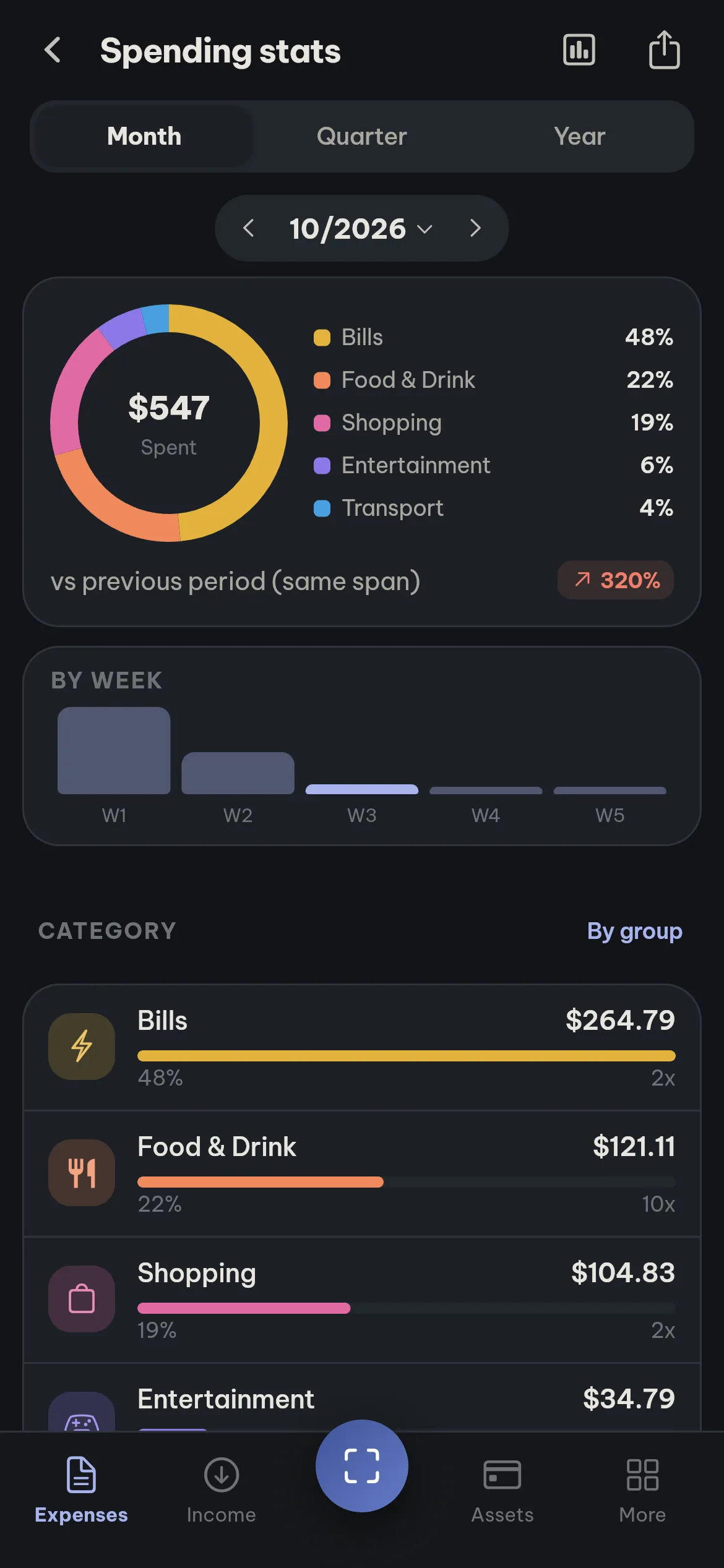
See spending by category and income by source, month by month or for the whole year, so you know where most of your money goes.
Use it on your computer
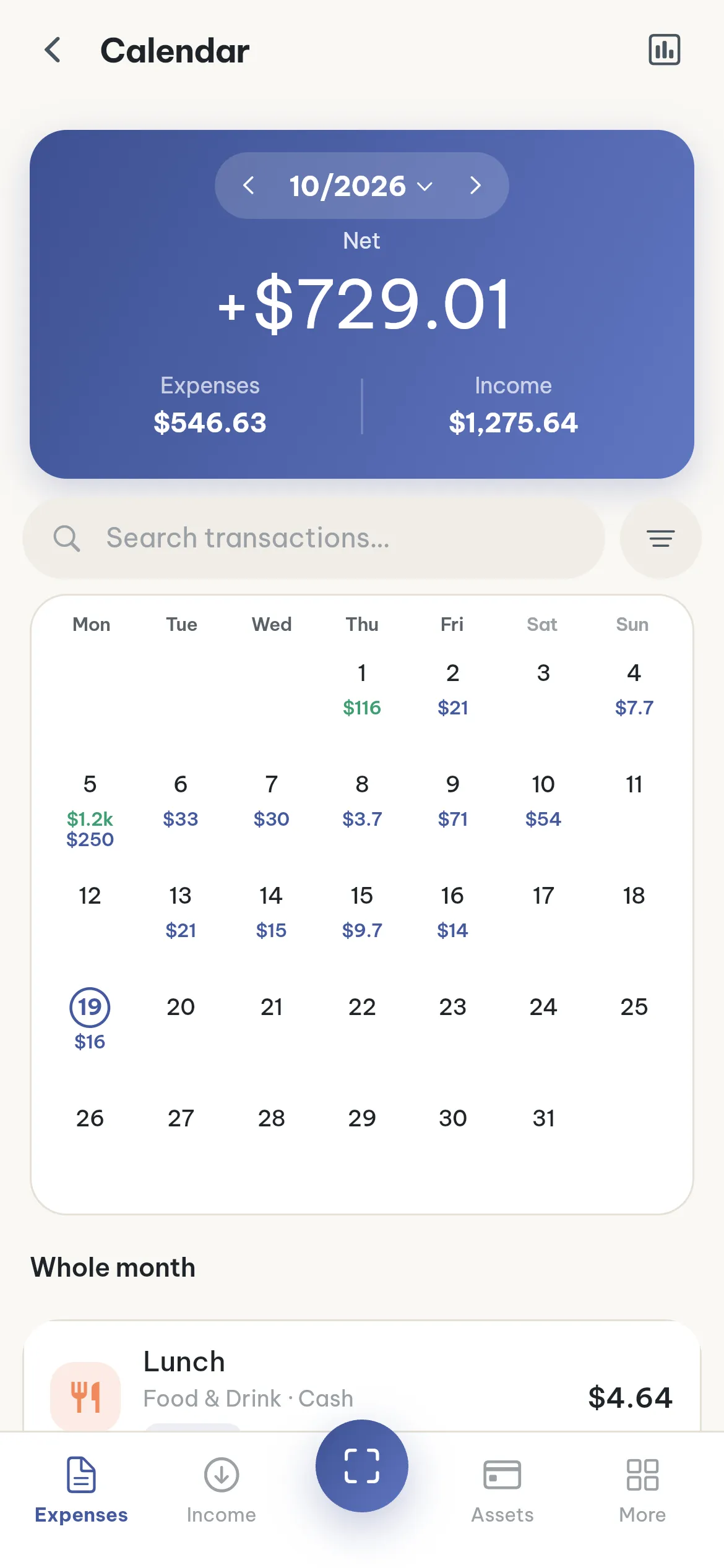
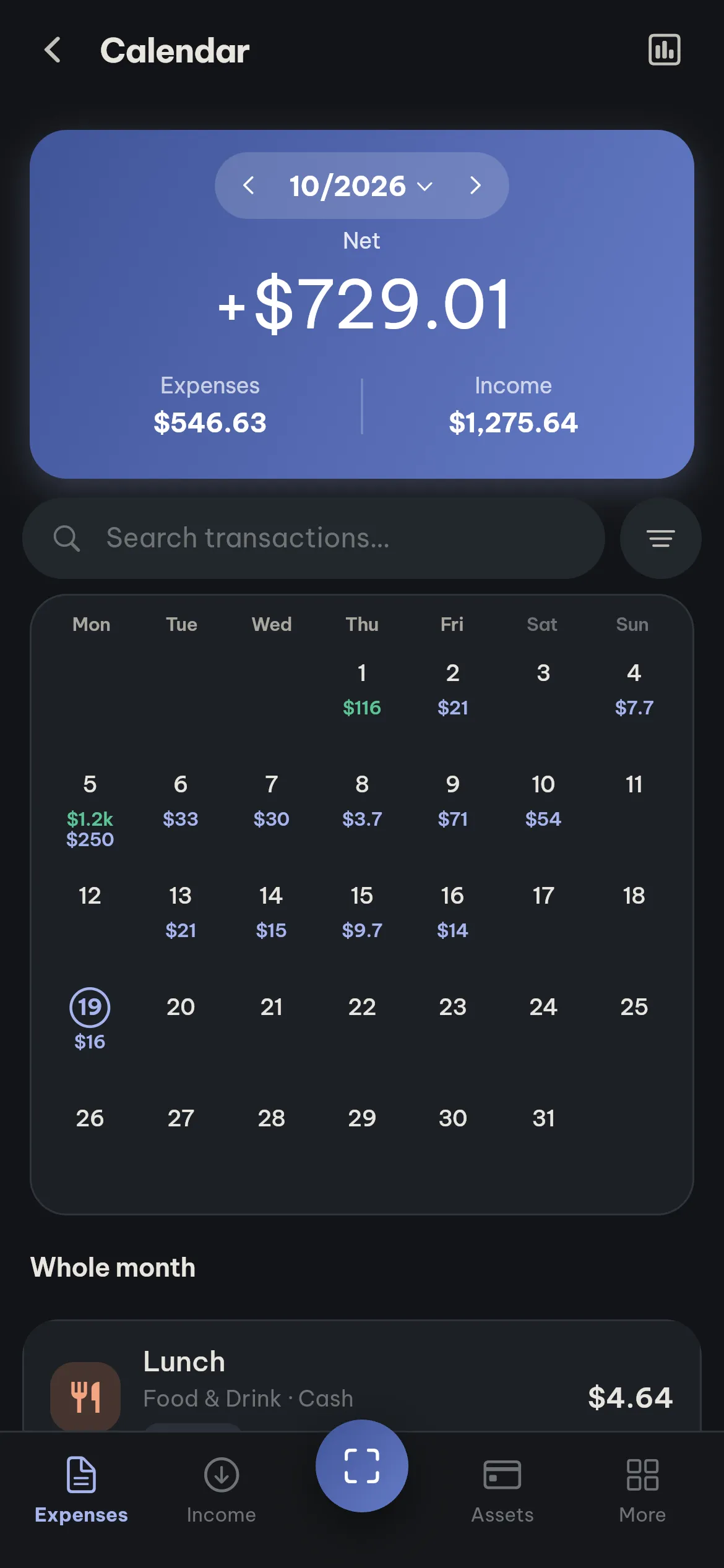
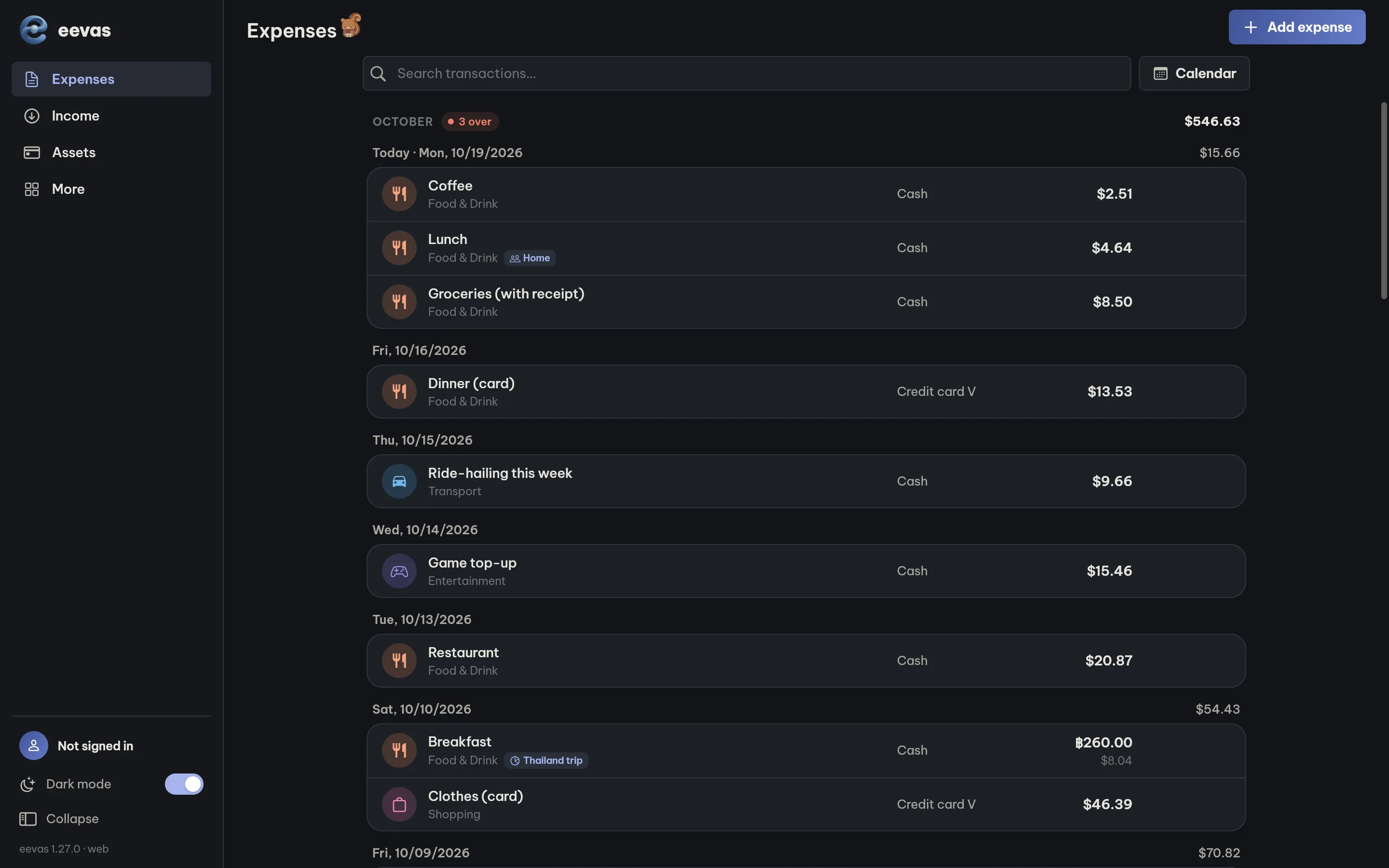
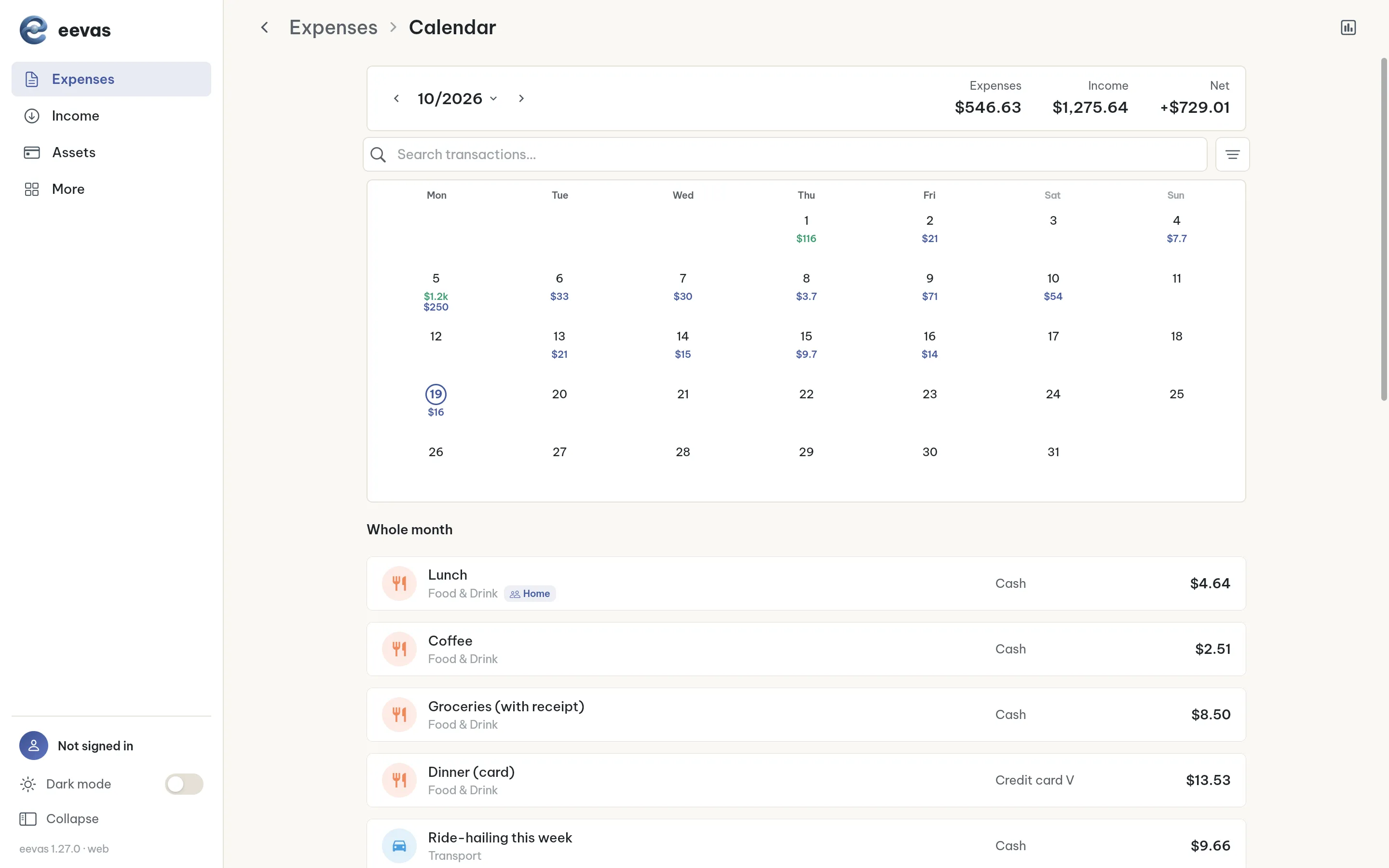
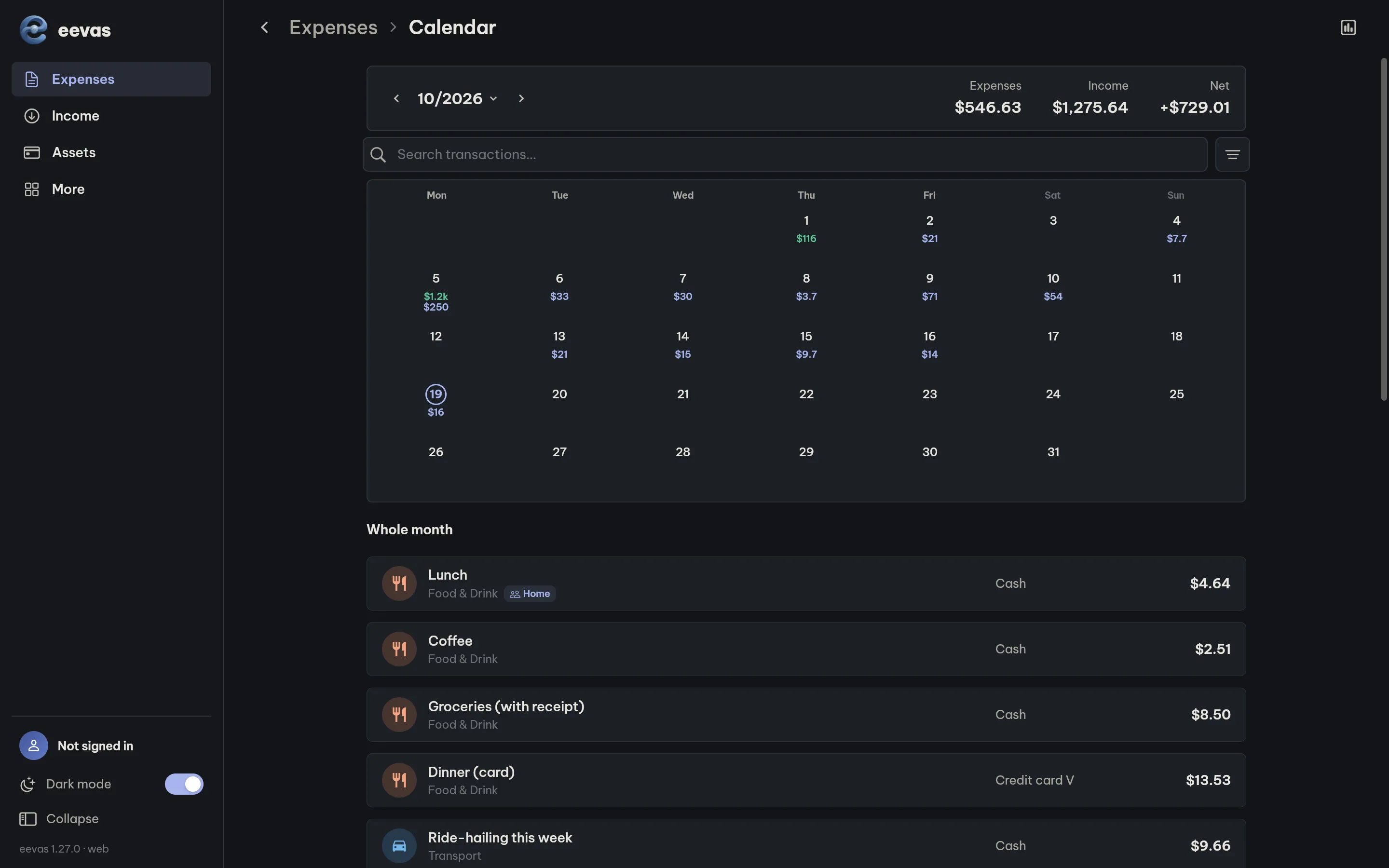
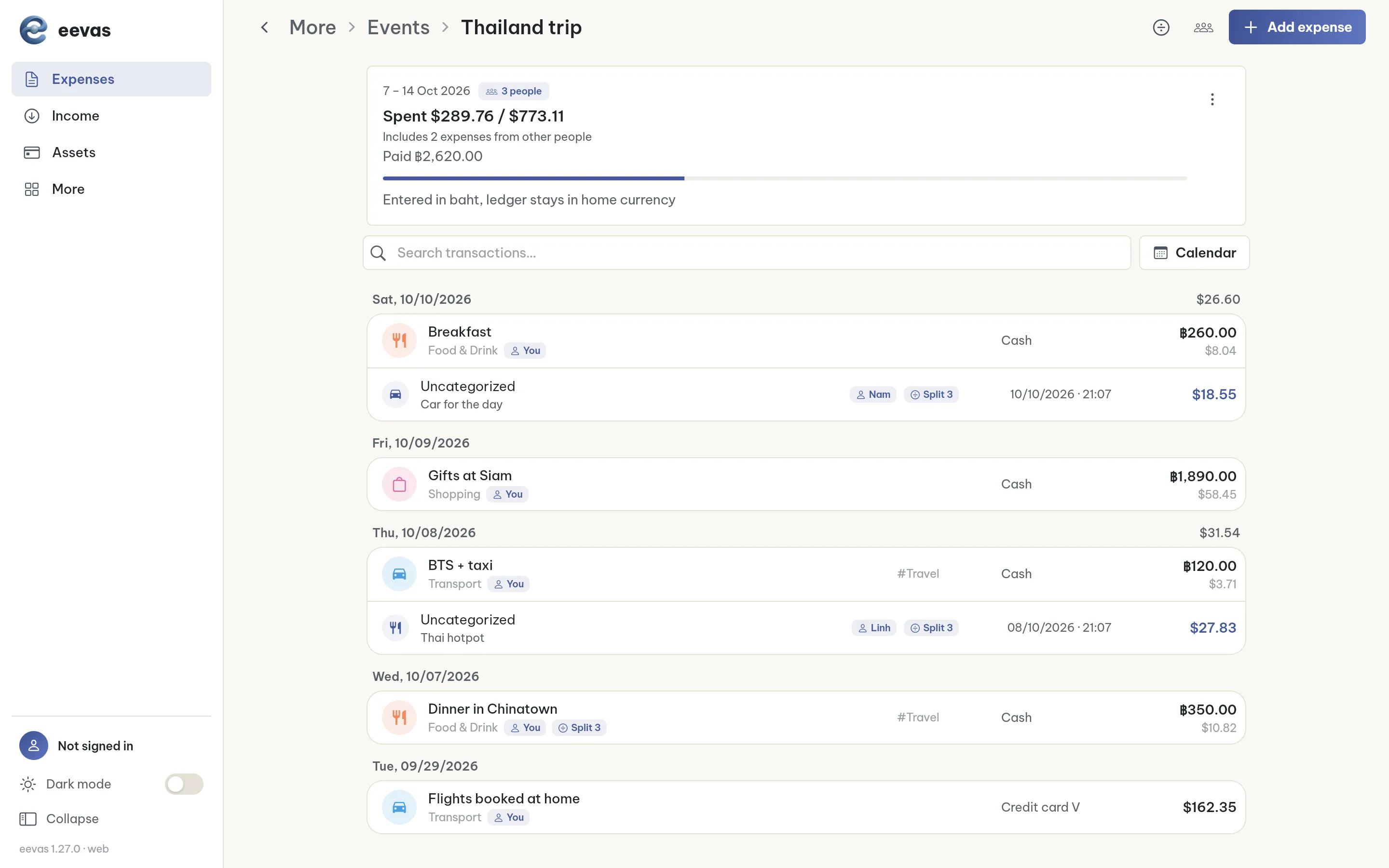
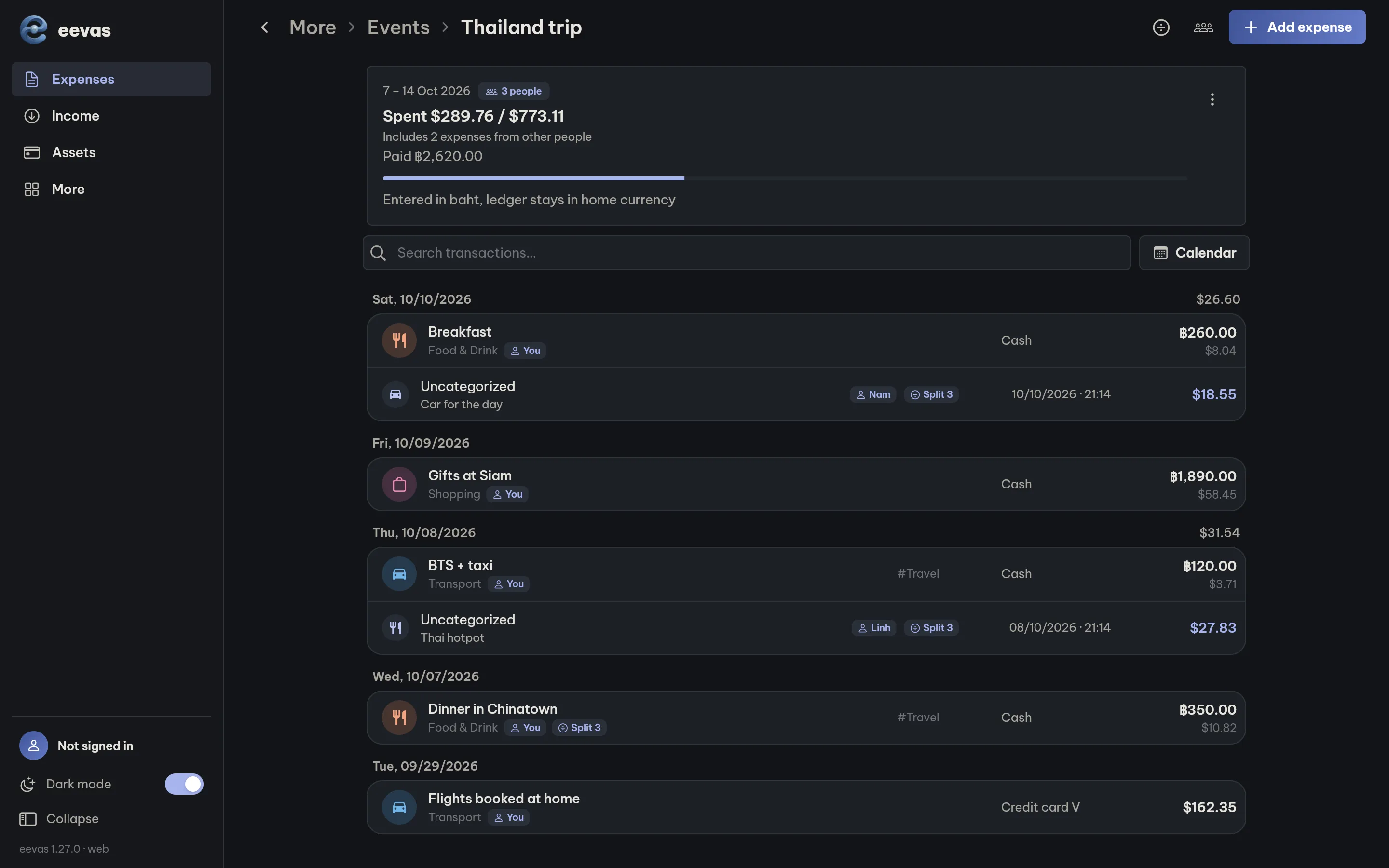
Go to app.eevas.top and sign in with the same account. A larger screen makes it easier to review your transactions, check your spending calendar and follow each event.
More in the app
Privacy
No account required.
Sign in only to sync or use groups.
Receipt photos never reach our servers.
They stay on your device and are sent only temporarily, to read the details.
Delete your data at any time.
You can delete your account and synced data directly in the app.
Frequently asked questions
Do I need an account?
No. Choose "Try without an account" to start right away. You only need to sign in to sync, scan receipts or use groups.
Does my data sync between phone and computer?
Yes. When you sign in with the same account, your data syncs between the mobile app and the web app at app.eevas.top.
Can I back up my data?
Yes. On your phone, the app backs up automatically every day and keeps the 7 most recent copies. On the web, you can download and restore a backup file.
What happens to my pet if I forget to log for a few days?
Nothing bad. Your pet simply rests until you return. Points and stages you have reached are kept, and it starts growing again as soon as you log.
Is there an iPhone version?
The iPhone app is coming soon. In the meantime, you can use the web app in Safari at app.eevas.top and sign in with the same account to sync with Android.
How do I delete my data?
Go to More tab > Sync & account > Delete account. Your data is removed from the server and the device immediately.
Start managing your spending today
Free to start. No account required.
About eevas
eevas is a personal finance app built by an independent developer in Ho Chi Minh City since July 2026. It is local-first and uses Anthropic's Claude to read receipts and summarize spending. Available on Google Play and on the web at app.eevas.top.
Contact: annd.dev22@gmail.com